Claim Wizard Overview
Claim Wizard helps you submit NDIS claims faster by automatically filling in your claim details from Capsure. Instead of manually copying information into the NDIS portal, Claim Wizard does the heavy lifting for you.
Last updated 4 months ago
What Claim Wizard does
When you use Claim Wizard:
Your claim details are auto-filled from Capsure
Your invoice is attached to the claim
Your claim moves through the process automatically
Your Claim ID and claim date are saved back to Capsure
You’ll simply review and submit.
What you still do
You stay in control:
Review your claim before submitting
Confirm the declaration
Click submit
Claim Wizard removes the repetitive admin — not your control.
What you need
To use Claim Wizard:
Google Chrome on a desktop computer
A Capsure account
Access to the NDIS Participant Portal
Claim Wizard can not be used on mobile or tablet devices.
Installing Claim Wizard
Claim Wizard is installed as a Google Chrome extension.
To install it:
Open Google Chrome
Visit the Chrome Web Store listing for Claim Wizard
Click Add to Chrome
Confirm the installation when prompted
Once installed, Claim Wizard will appear as an icon in your Chrome toolbar.
After installation
After installing Claim Wizard:
Make sure you’re logged in to your Capsure account
Open the my NDIS Participant Portal in Chrome
You’ll be ready to use Claim Wizard when submitting claims
ℹ️ If you don’t see the Claim Wizard icon straight away, click the extensions menu in Chrome and pin it for easy access.
Which portal are you using?
Claim Wizard works with both NDIS portals.
👉 Not sure which one you're using?
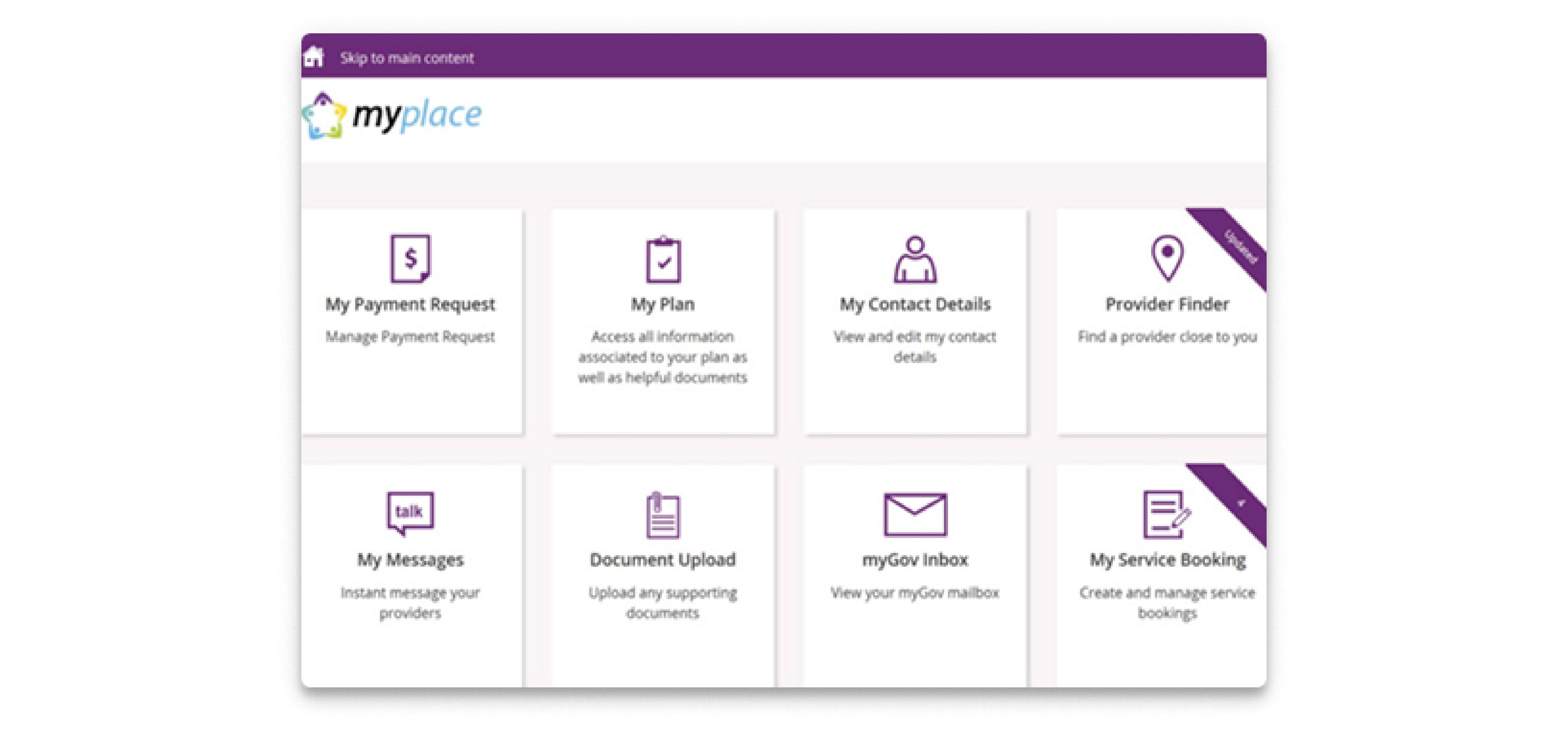
myplace Participant Portal (old portal): Purple header with “My Payment Request” tiles
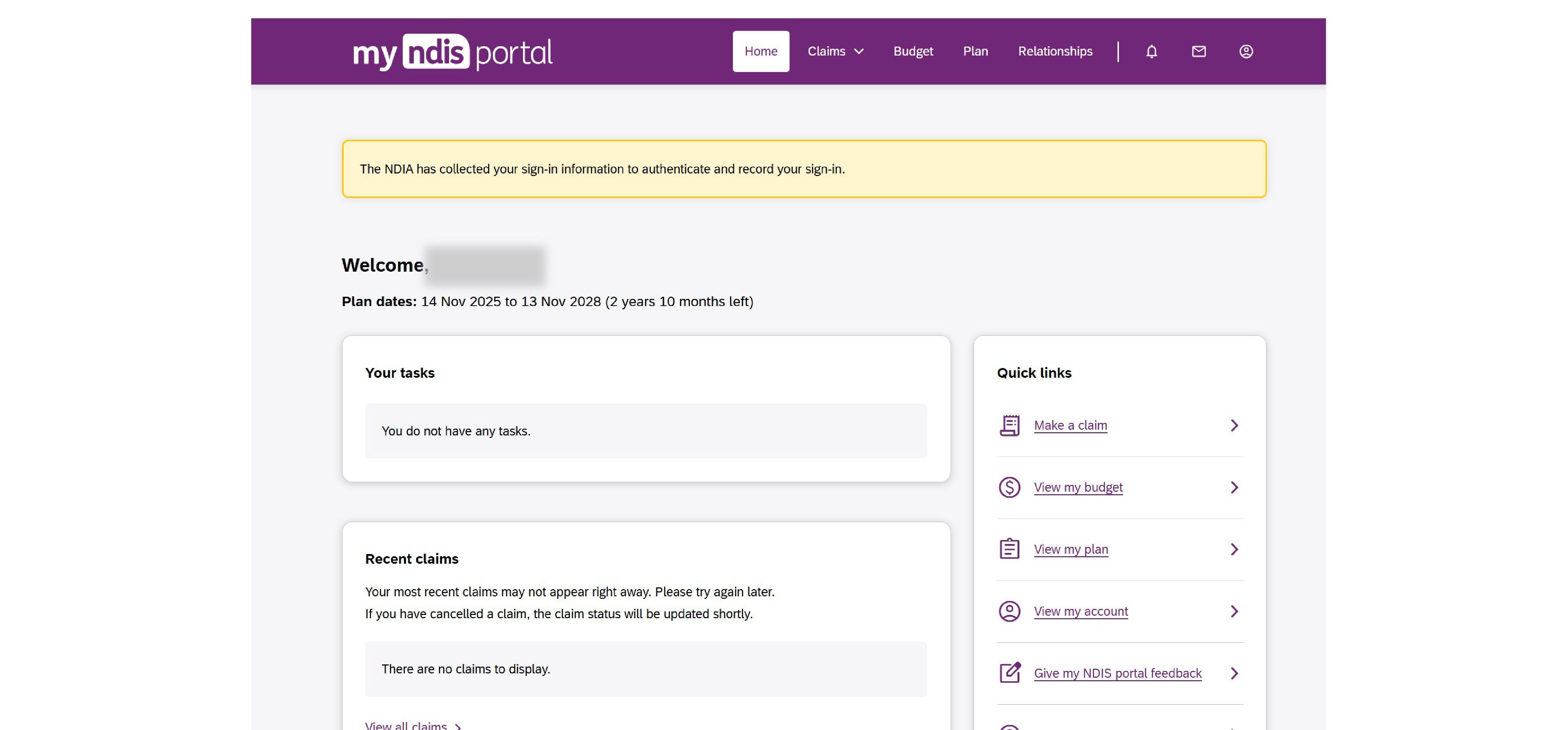
My NDIS Portal (new portal): Modern layout with sections like “Make a claim”
Choose your guide
👉 Use Claim Wizard with the myplace Participant Portal (old portal)
👉 Use Claim Wizard with the My NDIS Participant Portal (new portal)
Good to know
Claim Wizard does not submit claims on your behalf
You always review and submit the claim yourself
Your claim details are saved back to Capsure automatically
That’s it 🎉
Claim Wizard turns a multi-step process into a few clicks — without losing visibility or control.
Was this helpful?
Still need help? Ask the team