New: Payment Status on invoices
We’ve introduced Payment Status to help you clearly track which invoices have been paid - and which still need your attention.
What’s new
Every invoice now includes a Payment status:
Paid
Not paid
When you add a new invoice, Capsure will automatically detect whether it’s been paid or not based on the invoice details.
It’s already proving to be very accurate - but you can always update the status manually if needed.

Not paid + reminders
If an invoice is marked as Not paid, you can choose to receive email reminders until it’s been taken care of.
You can set reminders to:
None (no reminders)
Weekly
Daily
This helps ensure nothing slips through - without needing to track it manually.

ℹ️ Once you've paid the invoice, switch the ‘Invoice paid’ toggle on. This will automatically stop any email reminders.
“Need to Pay” list
Any invoices marked as Not paid will appear the “Need to Pay” section on your Board, so everything outstanding is visible in one place.
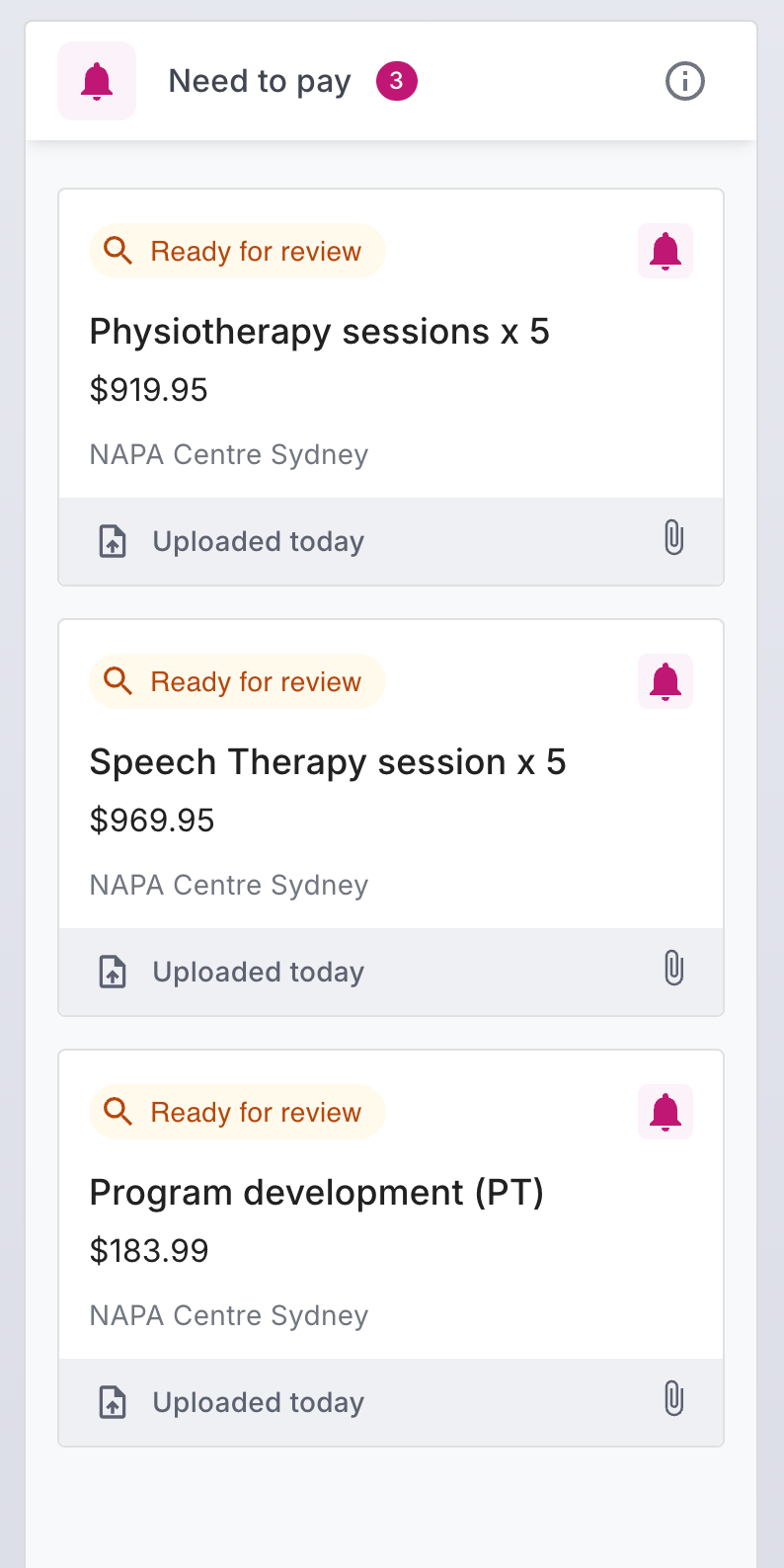
This is a simple step toward making it much clearer what’s been paid vs what hasn’t — without needing to track it manually.
As always, we’d love your feedback 💜
The Capsure Team